How can we help?
Popular searches: KB Main Page, AI Chat, Widgets
Adobe – Re-Order, Add and Delete Pages from PDFs
Re-order/Delete/Add Individual Pages:
Go to “Tools” and select “Organize Pages.”
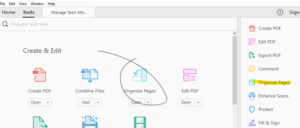
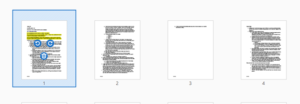
To move pages, drag the page where you’d like it. To delete, highlight the page you’d like to remove and click on the trash can.
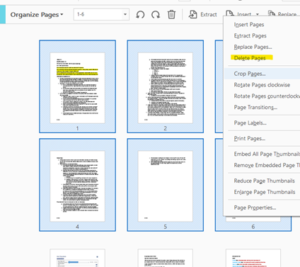
To delete multiple pages, press Shift and click on the range you’d like, then right click and choose “Delete.”
If you have two PDFs open, you can drag a page from one PDF to another to add.
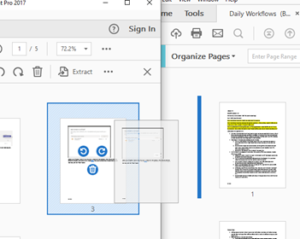
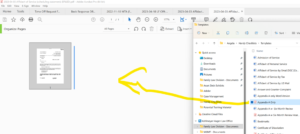
You can also drag and drop PDFs from Sharepoint into an open PDF. Start at the “Organize Pages” function on Adobe. Pull up the Sharepoint file you’d like to add. Drag it to the PDF: